A few months ago I was at my niece’s school sports day, standing at the far end of the field, trying to get a decent shot of her crossing the finish line. I pulled out my phone, pinched to zoom in… and got a grainy, pixelated mess that looked nothing like what I actually saw with my own eyes.
That’s the moment I finally admitted it to myself: my phone camera just can’t do real zoom. Digital zoom is basically just cropping and hoping for the best. What I actually needed was optical zoom — the kind where the lens itself moves, not the software pretending.
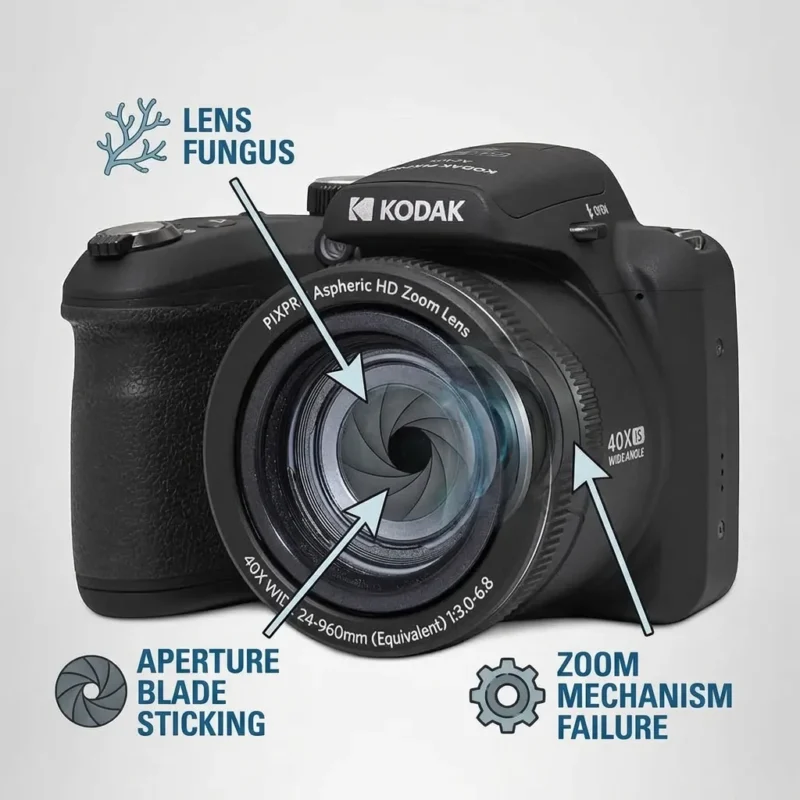
So I went down a rabbit hole looking for something affordable that could actually reach far without costing as much as a used car. That’s how I landed on the Kodak PixPro AZ405, a 20MP bridge camera with a 40x optical zoom. Here’s what using it has actually been like.
Why I Started Looking for a Superzoom Camera in the First Place
I’m not a professional photographer. I don’t need something with interchangeable lenses or a price tag that makes me nervous. I just wanted a camera that could:
- Actually zoom in on distant subjects without turning into mush
- Be simple enough that I’m not fumbling through menus while I miss the shot
- Travel well, since I’m often somewhere without easy access to charging outlets
The AZ405 kept showing up in budget “superzoom” recommendations, so I figured it was worth a shot.
First Impressions — Unboxing and Getting Started
The camera has that slightly chunky, DSLR-style body that bridge cameras are known for — it looks more serious than it actually is to use. It runs on four AA batteries instead of a rechargeable pack, which honestly took me a minute to get used to. At first I thought that was a downgrade, but on a recent road trip where I couldn’t find an outlet for two days, I was genuinely grateful I could just grab spare batteries from a convenience store instead of hunting for a charger.
Setup was straightforward. Pop in the batteries and an SD card, and the menu system is simple enough that I didn’t need to read a manual to start shooting.
The 40x Zoom — Does It Actually Deliver?
This is the whole reason to buy this camera, so let’s talk about it honestly.
The zoom range covers roughly 24mm on the wide end up to 960mm at full telephoto (35mm equivalent) — for reference, that’s the kind of reach you’d normally associate with dedicated wildlife or sports lenses. In practice, I’ve used it for:
- Birds in my backyard — I could actually make out feather detail from across the yard, something my phone simply cannot do
- A local outdoor concert — I was seated pretty far back, and I could still get a recognizable shot of the performers on stage
- That same sports day rematch — this time, the finish-line photo actually looked like my niece instead of an abstract blur
The built-in optical image stabilization matters more than I expected at full zoom. At 40x, even a tiny hand tremor gets massively exaggerated, and without OIS I don’t think these shots would be usable at all.
Image Quality: Great in Daylight, More Average at Night
I want to be honest here rather than oversell it. In good daylight, the 20MP sensor produces images that are sharp, colorful, and more than good enough for social media, printing standard photos, or just keeping as memories. Where it struggles is low light — like most cameras in this sensor class, noise creeps in once the sun goes down, and the video tops out at 1080p rather than 4K.
If you’re expecting DSLR-level low-light performance, this isn’t that camera. But for daytime travel, wildlife, and outdoor events, it holds up well for the price point.
What About Video and Audio?
The 1080p video is solid for casual use — vlogging, travel clips, family moments. One thing I noticed pretty quickly, though, is that the built-in microphone picks up a lot of ambient noise and wind, which is a common limitation with compact/bridge cameras in general, not just this one.
If you’re planning to actually use the AZ405 for video content rather than just stills, adding an external microphone makes a noticeable difference. I ended up using a small shotgun-style mic for outdoor clips, and it cut down on wind noise and made voices sound far clearer than the built-in mic alone. It’s a cheap upgrade that solves the camera’s one real audio weakness, so if video is part of your plan, it’s worth budgeting for one alongside the camera itself.
Who This Camera Is Actually For
Based on a few months of using it, here’s my honest take on who should consider the AZ405:
Good fit if you:
- Want real optical zoom without spending DSLR money
- Travel and don’t want to deal with proprietary chargers
- Mostly shoot in daylight — landscapes, wildlife, events, kids’ activities
- Are relatively new to dedicated cameras and want something simple
Maybe skip it if you:
- Shoot a lot in low light or indoors
- Need 4K video or professional-grade footage
- Want interchangeable lenses or manual controls at a pro level
My Honest Verdict
The Kodak PixPro AZ405 isn’t trying to be a professional camera, and it doesn’t pretend to be. What it does well is solve one very specific problem — getting real, usable zoom shots without spending a fortune — and it does that better than my phone ever could. The AA battery setup, which I was initially skeptical about, turned out to be one of my favorite things about it for travel.
It’s not perfect. Low light isn’t its strength, and if you’re serious about video, you’ll want to pair it with an external mic. But for the price, it’s earned a permanent spot in my travel bag.
If you’re on the fence between “just use my phone” and “buy a real camera,” this is a solid middle ground worth considering.